All baby generator pages
Every Cradlepeek page sits in one of the groups below. Each page opens the same studio, but with one age or one option already set. So pick the closest match to the portrait you have in mind. Each page also explains its own limits. Then try the free preview before you pay, because two watermarked previews a day cost nothing.
By The Cradlepeek team (Product and testing). Last updated .
Baby generator
Start here when you simply want to see a future baby from two photos. These pages cover the tool, the free preview and the photo rules.

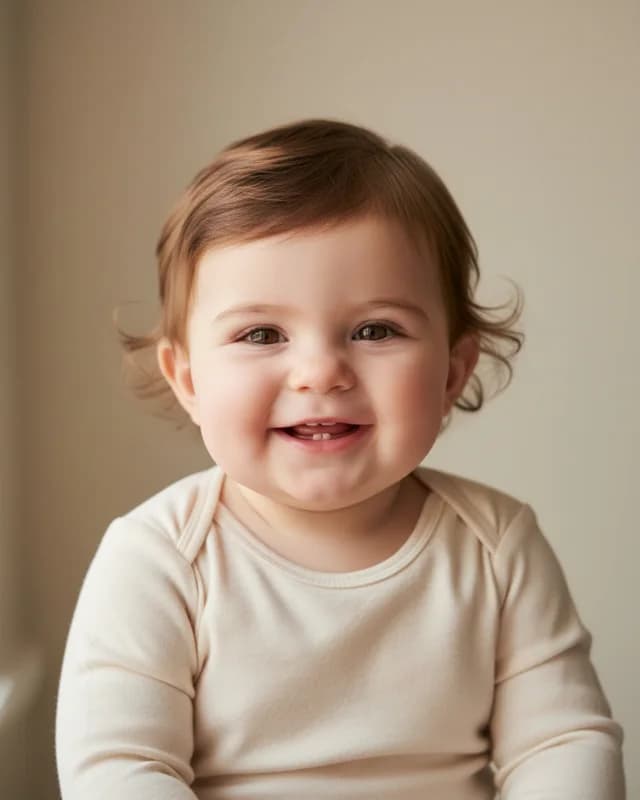
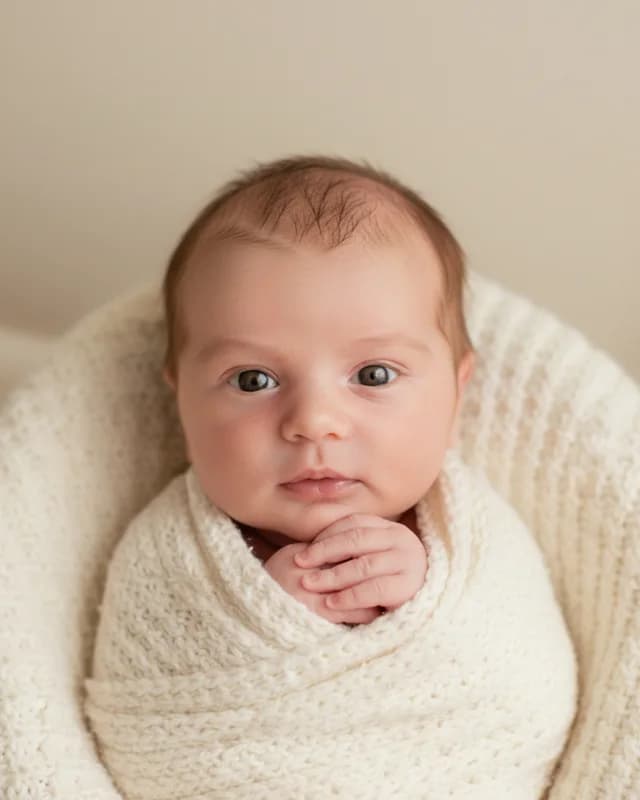
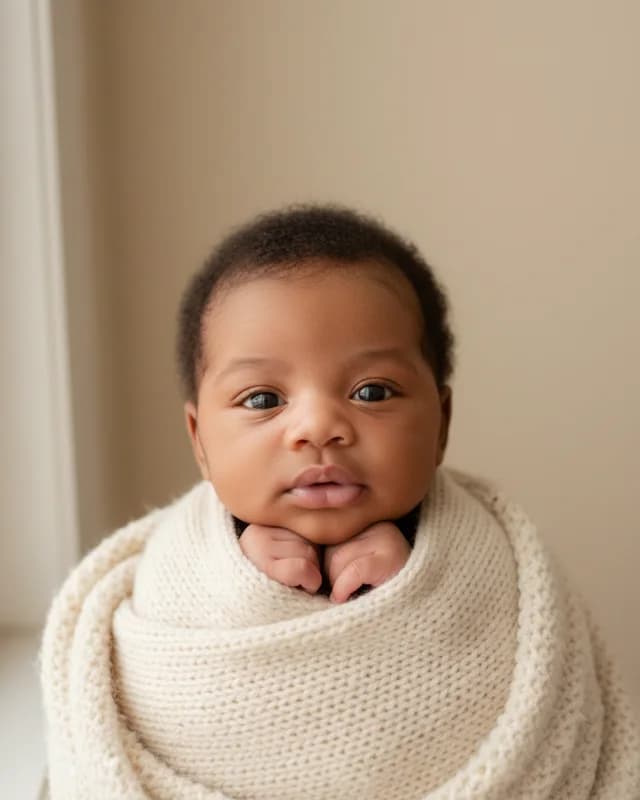
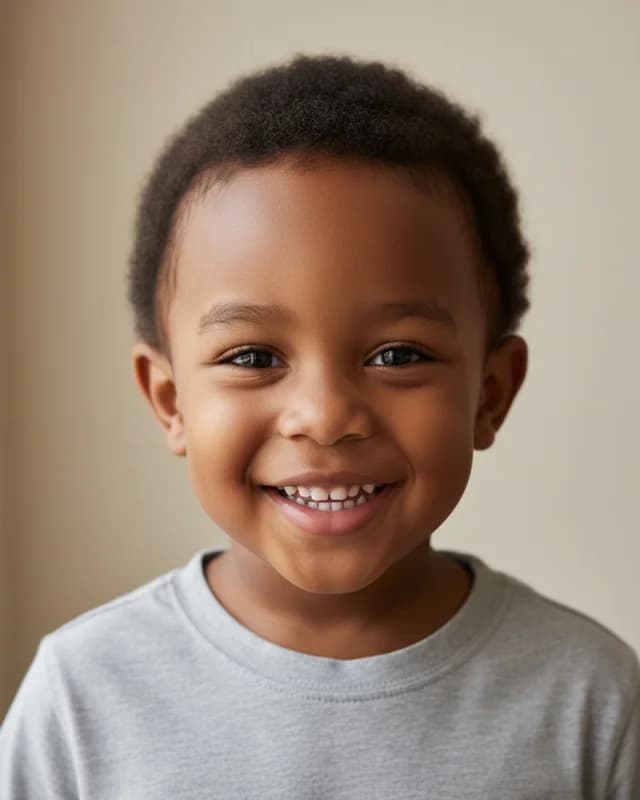
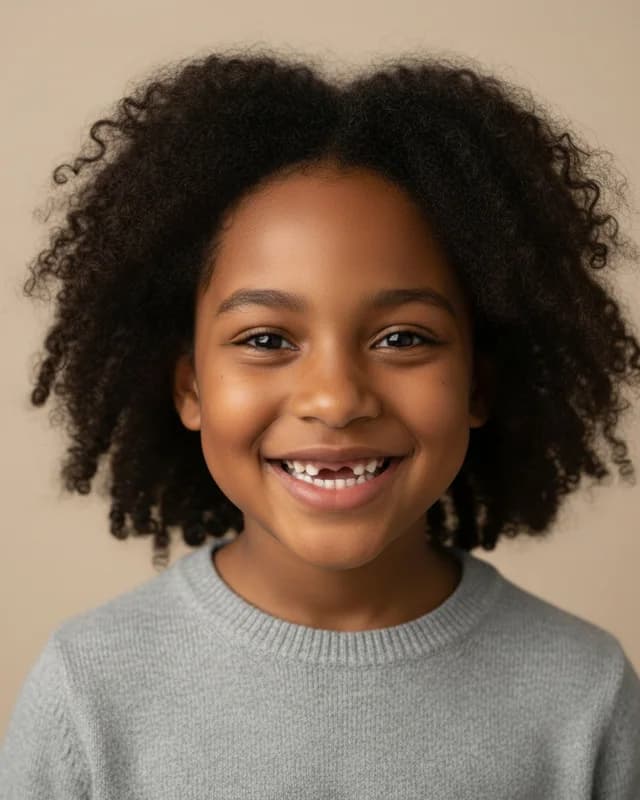
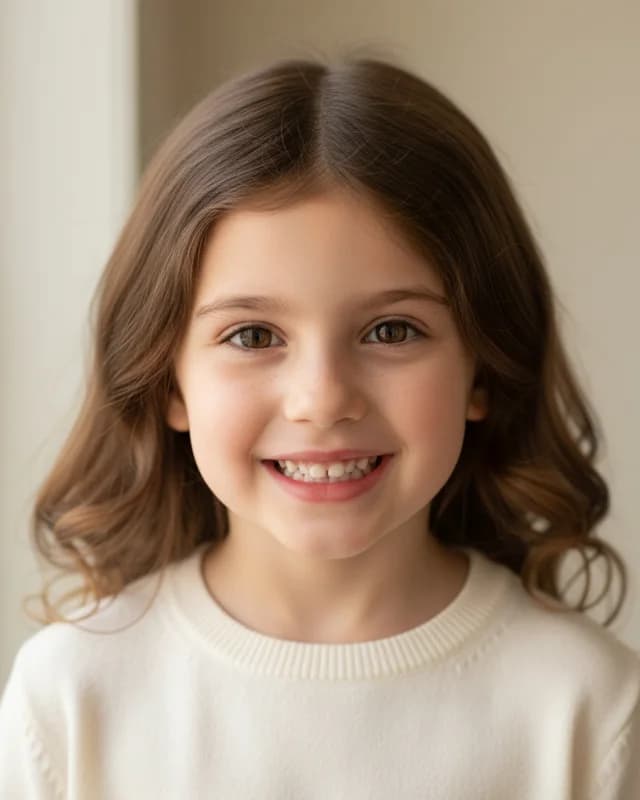
Ages, gender and twins
Do you want to see the child older, as a boy or a girl, or as twins? Then start here, because each page covers one of those choices.
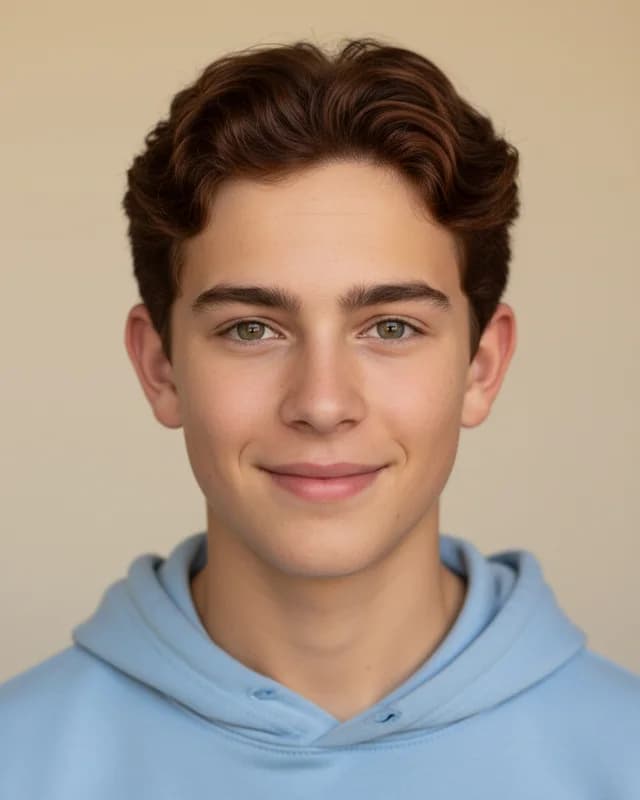
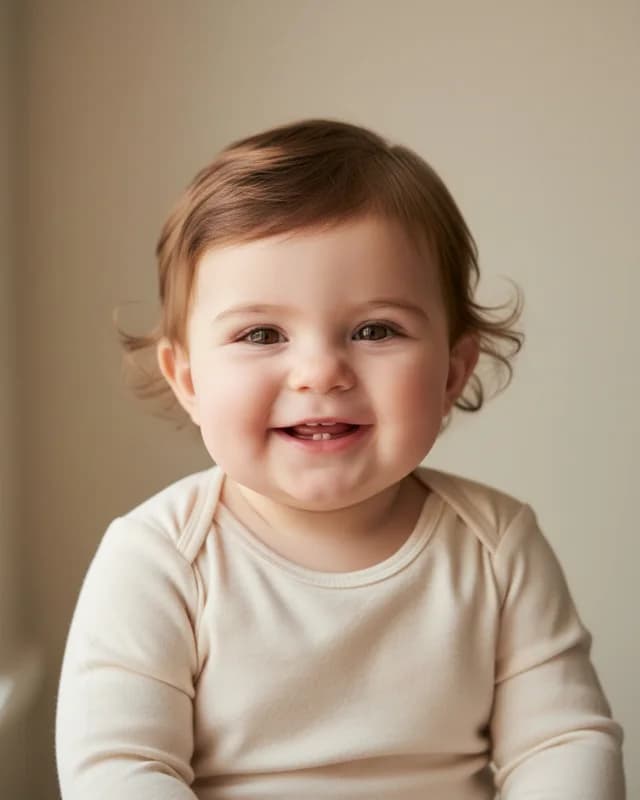
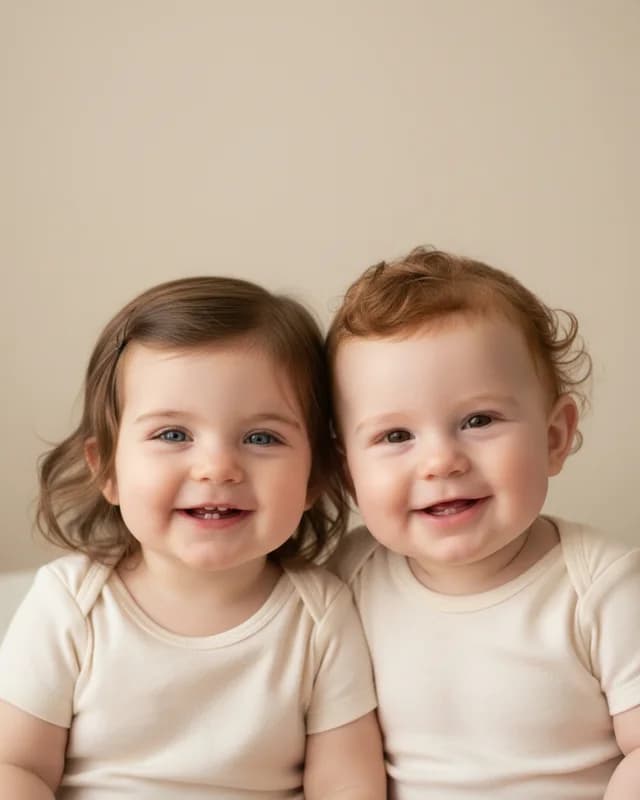
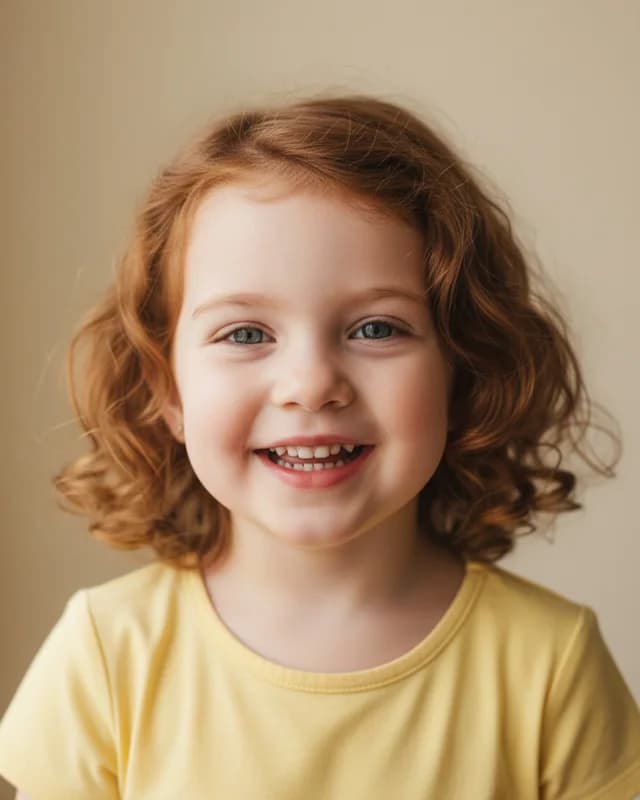
Looks and genetics
These pages explain what a photo can and cannot tell you about eye color, hair and other family looks, with sources.

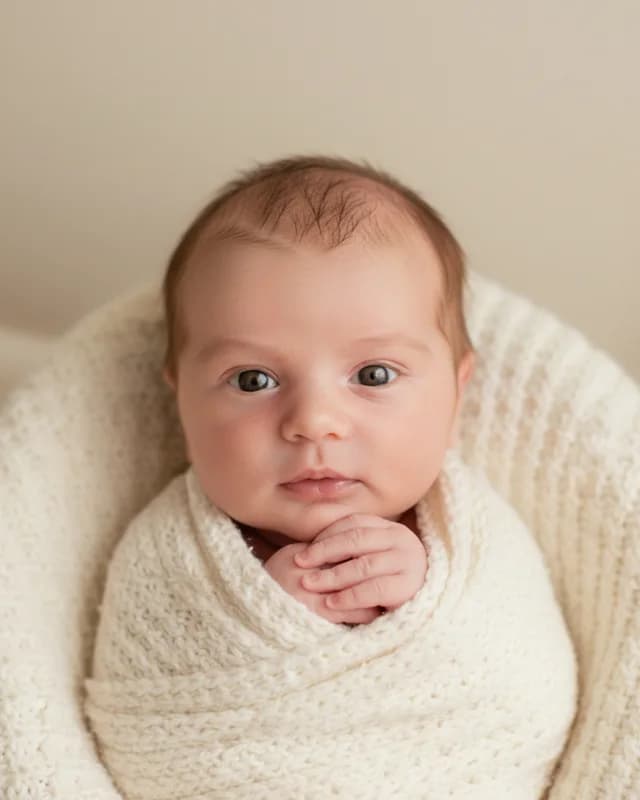
ChatGPT, apps and prompts
These pages cover ChatGPT prompts and phone apps, and they say when this tool is the shorter way.
Not sure where to start?
Then begin with the couple page, since it covers the two photo setup that most people use. After that, the pages about older ages and genetics explain what a portrait can show and what it cannot.
One limit holds for every page, however. The portrait is an imagined likeness, not a genetic prediction. So enjoy it, and check the preview first.